From setup to a flow that runs every week on its own. Real screens from the app, no download and no signup.
Walk through it
nebra AI is a regular Mac app. Download it, drag it into your Applications folder, open it. There is no login screen and no trial that runs out.
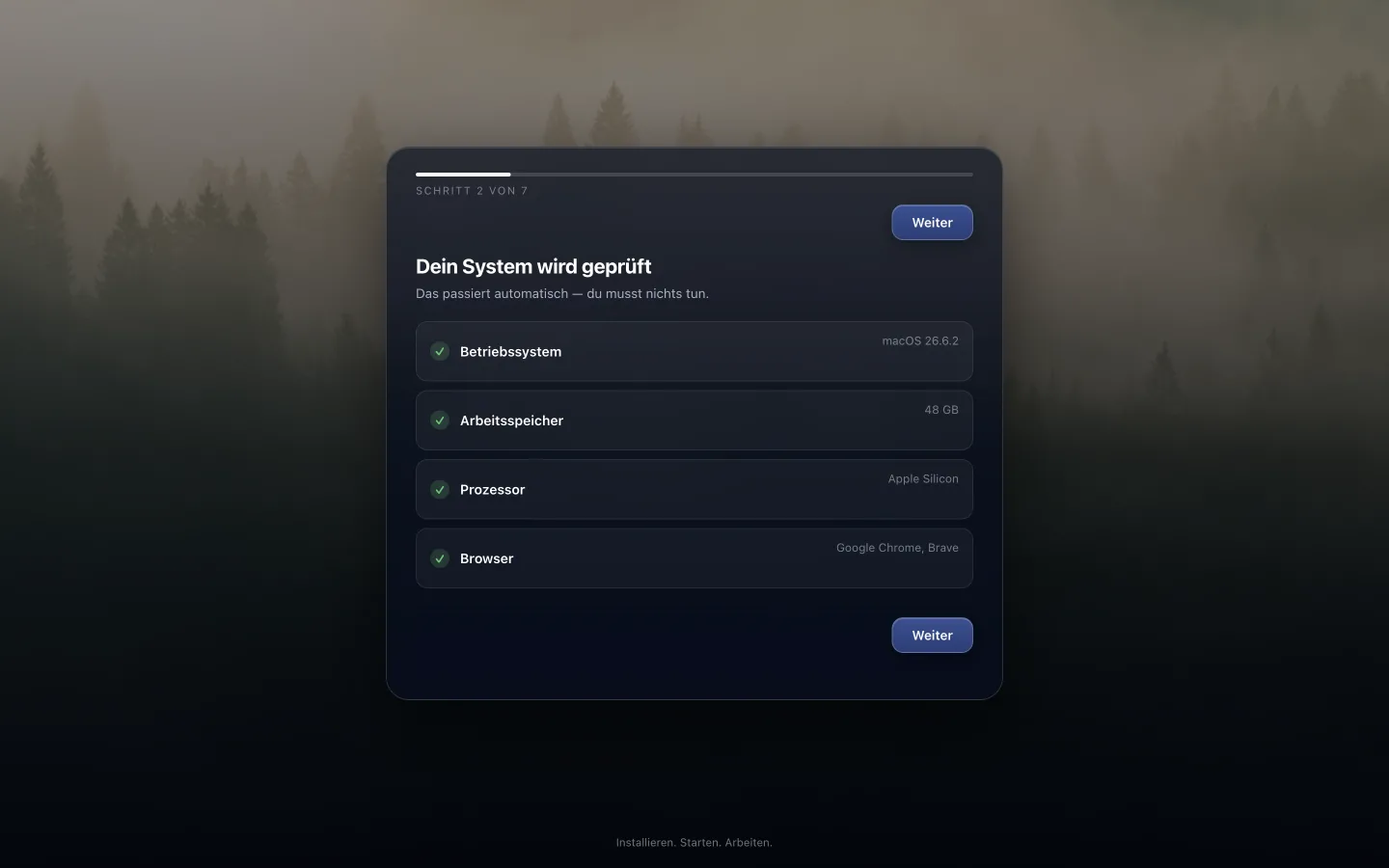
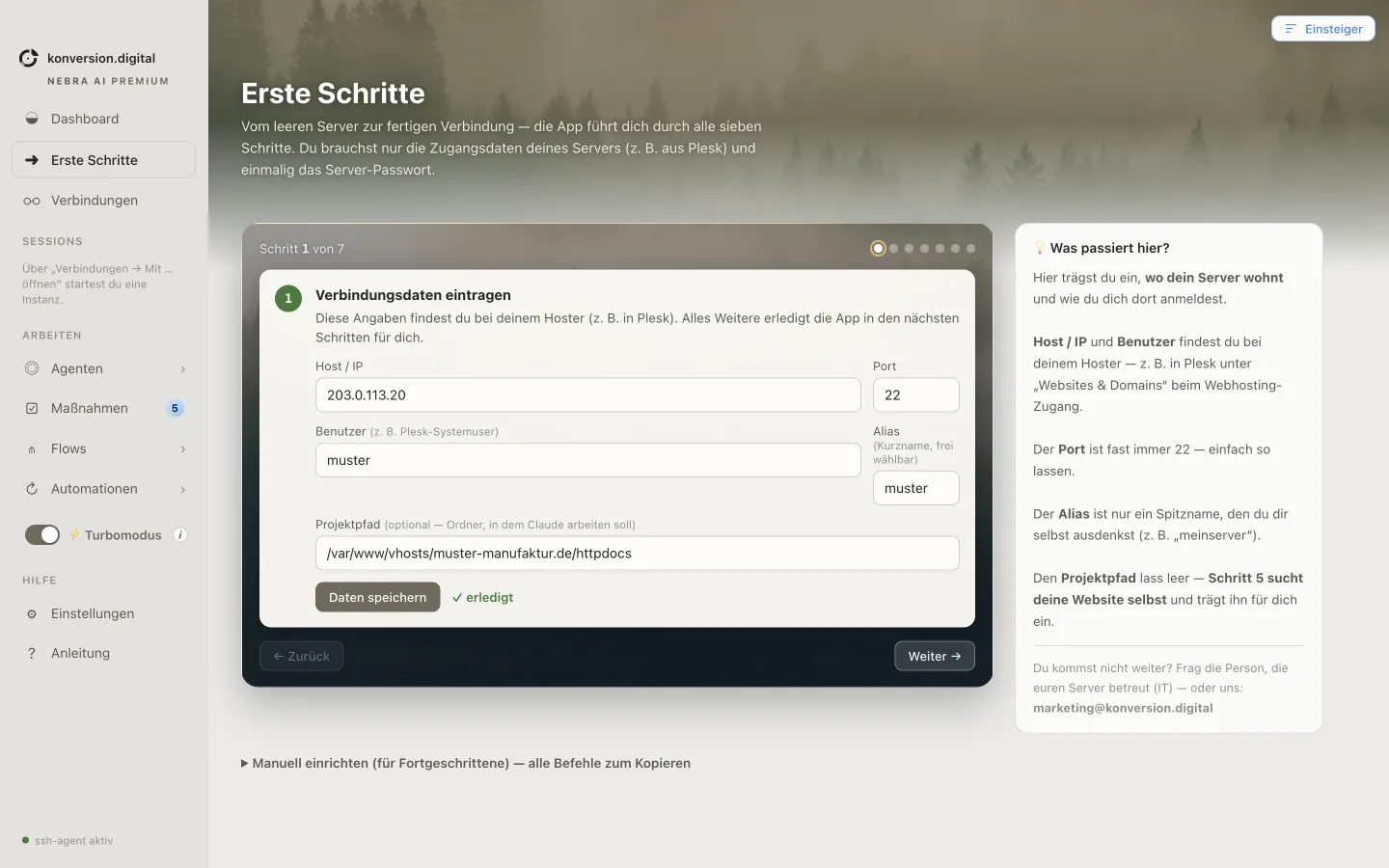
Erste SchritteThe app checks once whether your Mac has everything it needs. Anything missing, it sets up on its own. You don't install anything extra or type anything into the Terminal.
SystemcheckThis is where you choose which AI model does the work. One key is enough, the app handles the rest.
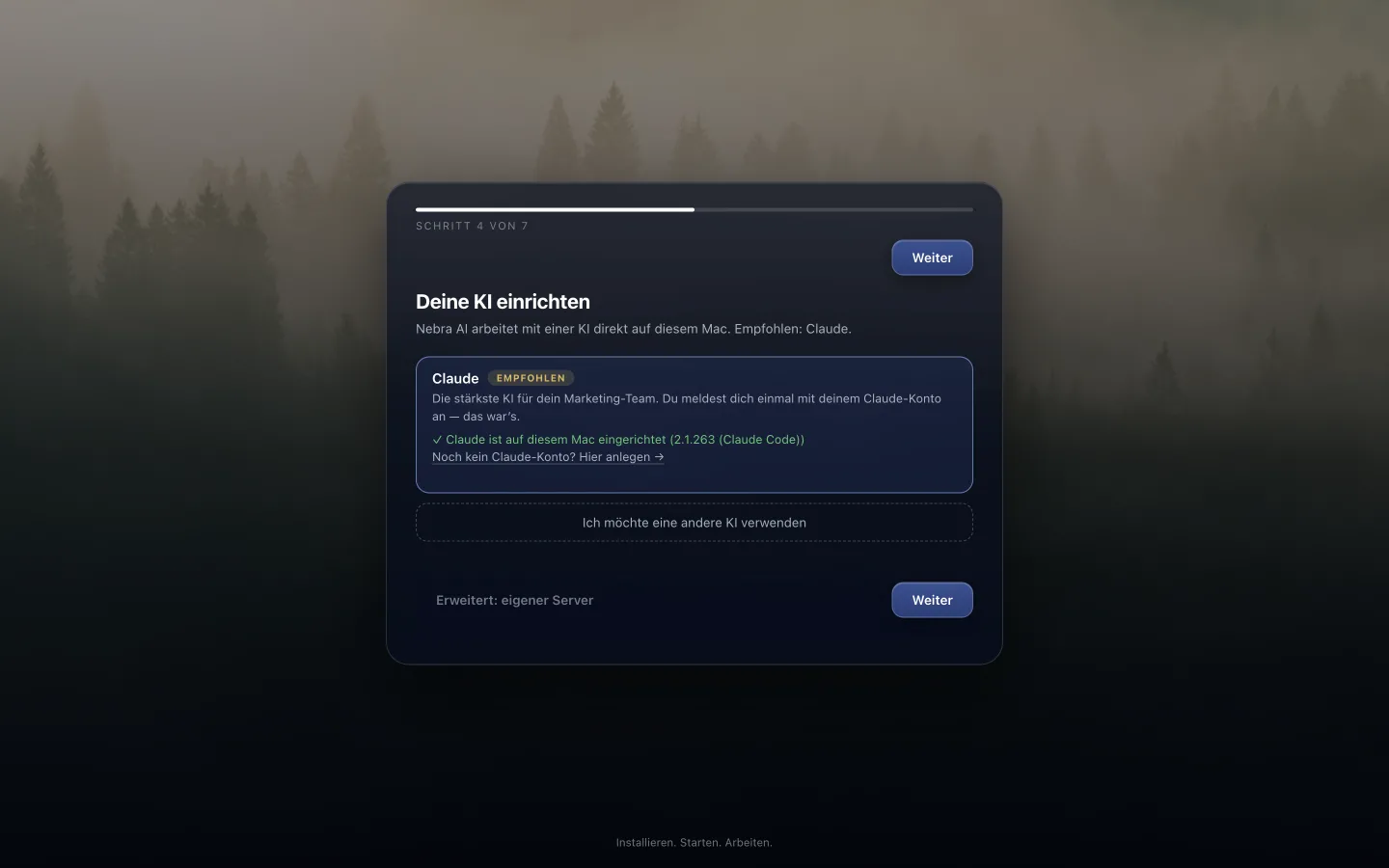
KI-ZugangThis is your starting point after setup. From here you launch tasks, see work in progress and get to your experts.
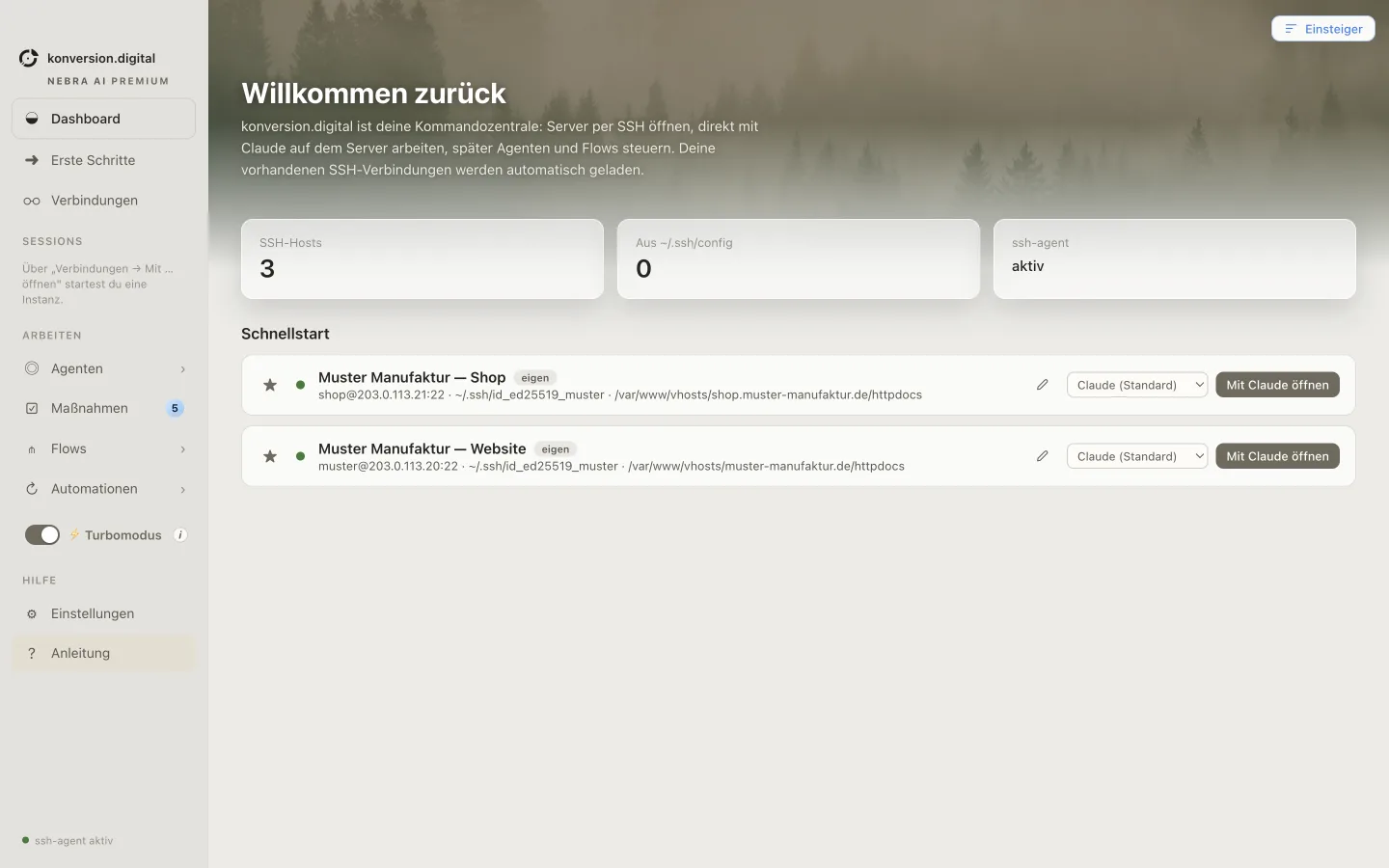
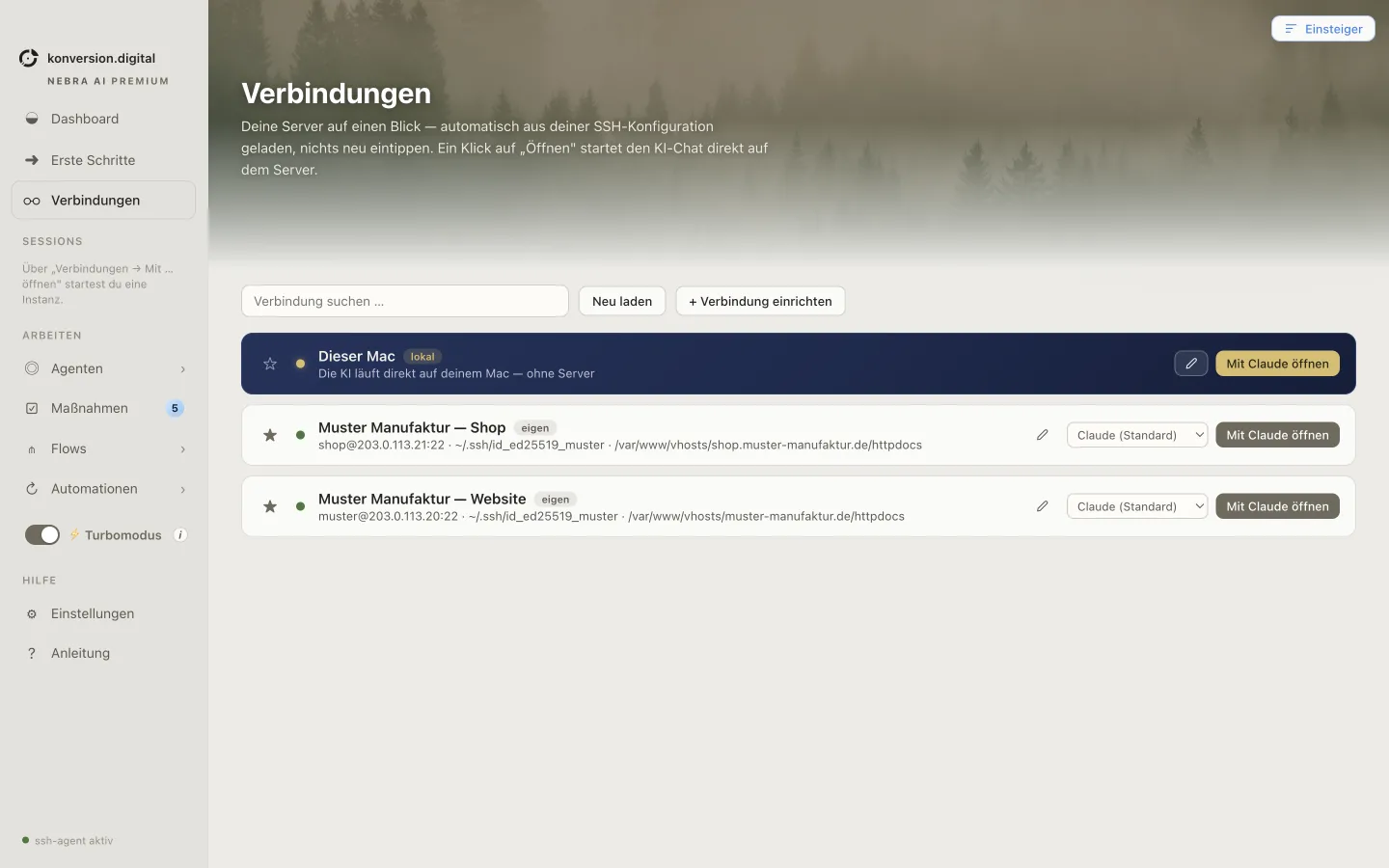
DashboardSo the agents can work on your real stuff, you add your website once and, if you like, your server.
VerbindungenThe app shows what is connected and whether it can be reached. If something is missing, it tells you why right here.
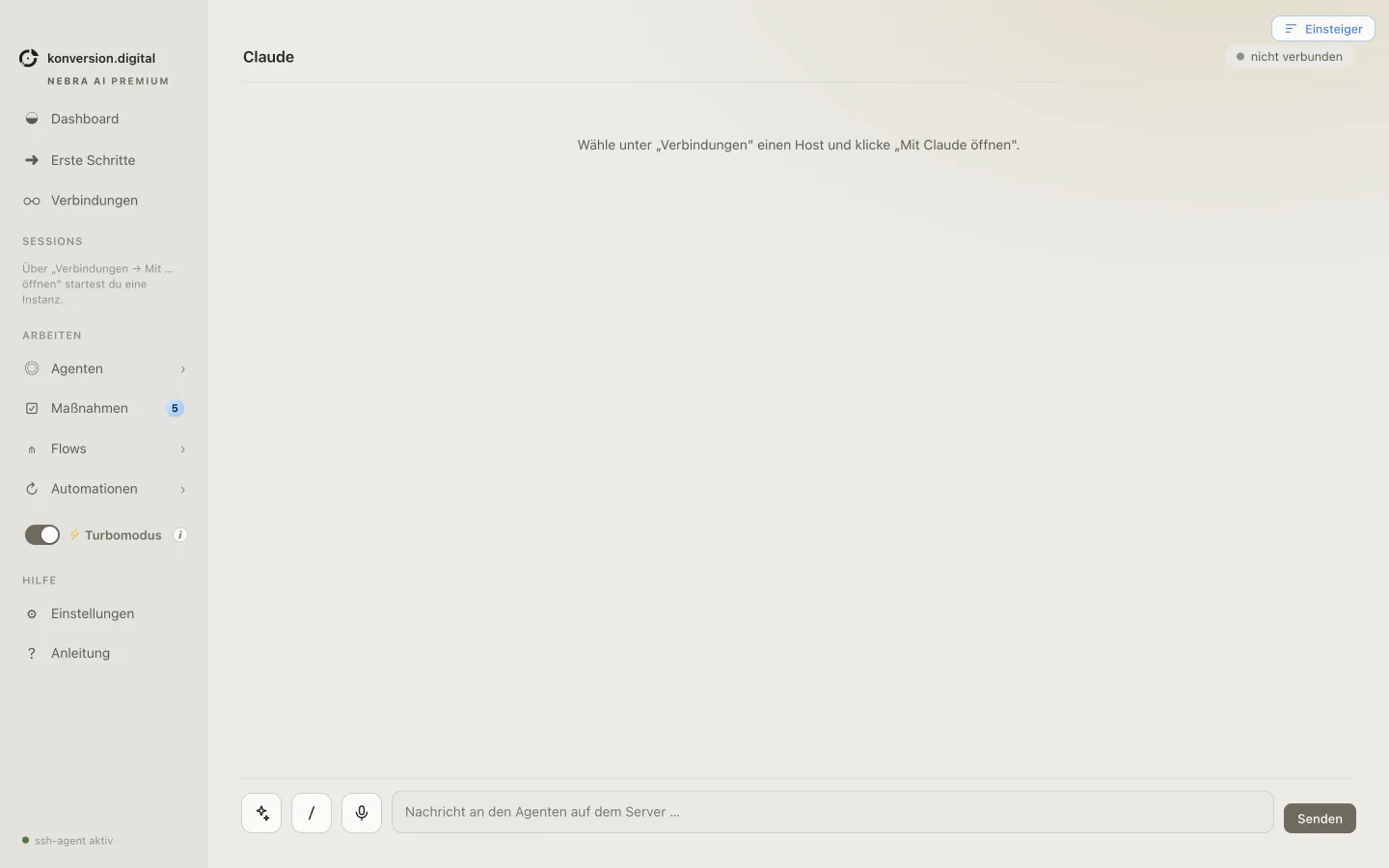
VerbindungenType the task in plain language. No commands, no prompt templates, no training.
Neue Aufgabenebra AI picks the right experts and works through the task. Every step shows up in the activity log, so you can follow along anytime.
VerlaufYou get a result with reasoning behind it, not just a claim. You decide which parts go live.
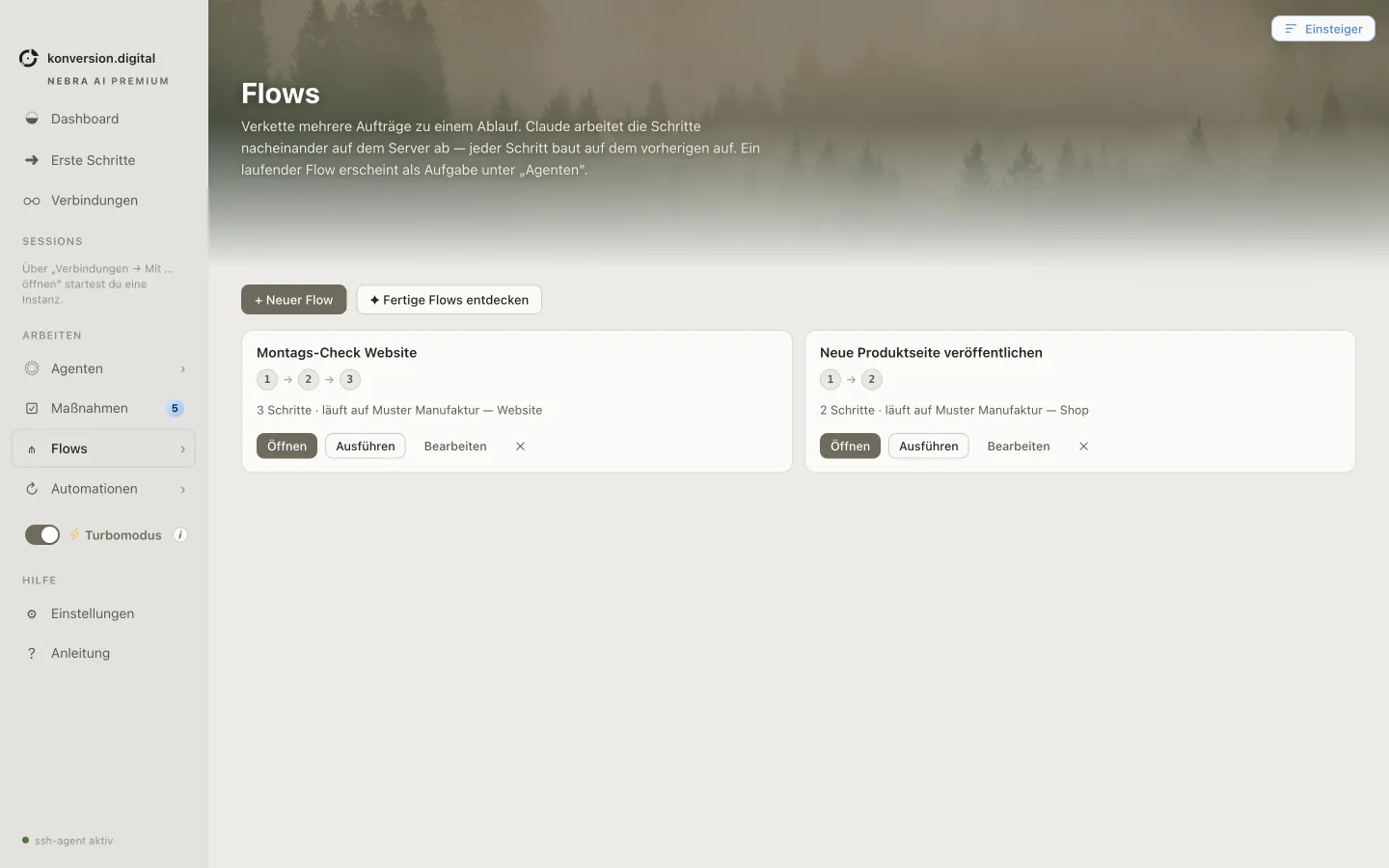
ErgebnisWhatever worked well, you save as a flow. Next time it runs at the push of a button or on a schedule, like a weekly SEO check.
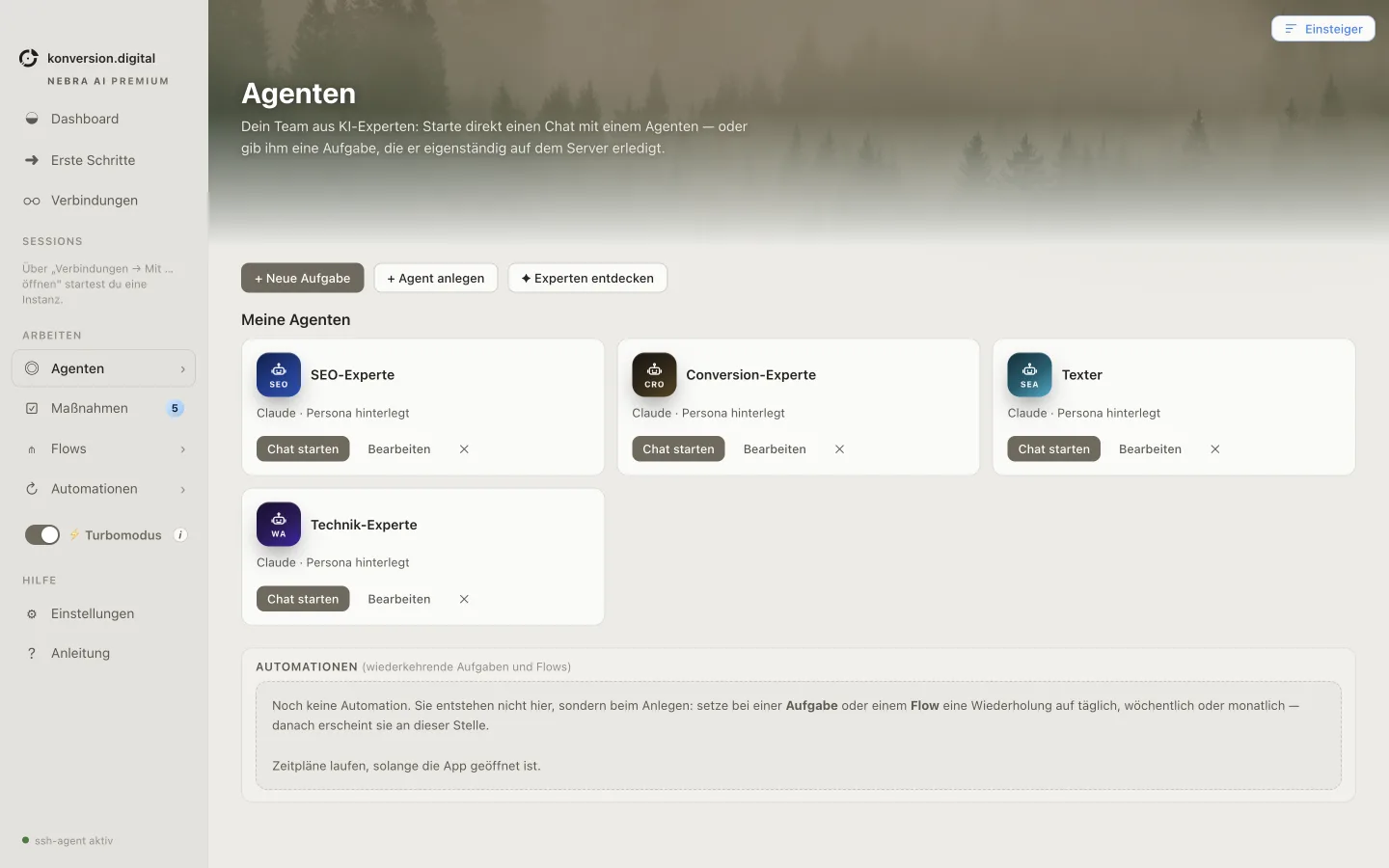
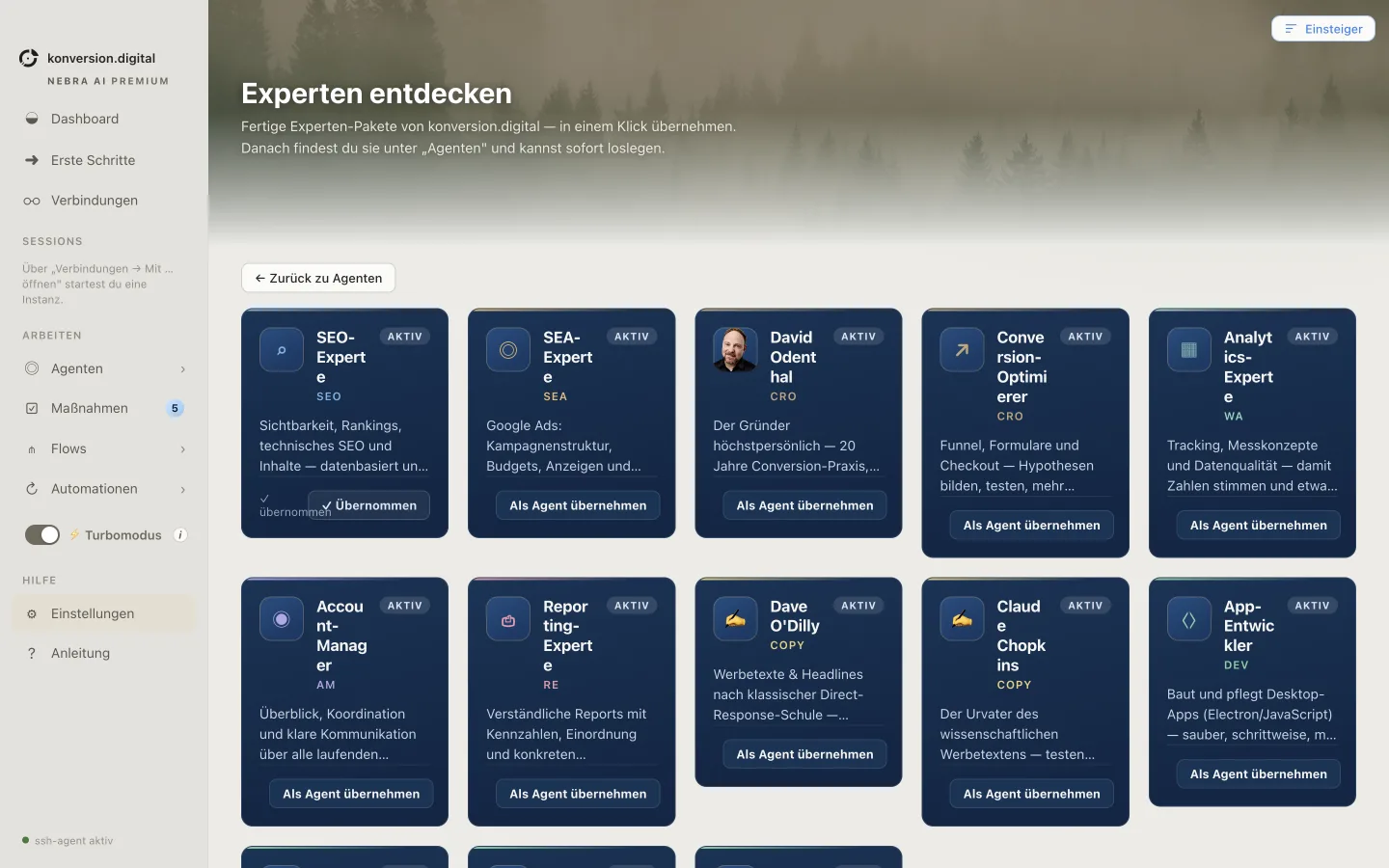
FlowsThe ready-made marketing teams for SEO, CRO, content and analytics are included. Nothing to build, ready to go right away.
ExpertsYou decide which AI does the work behind it
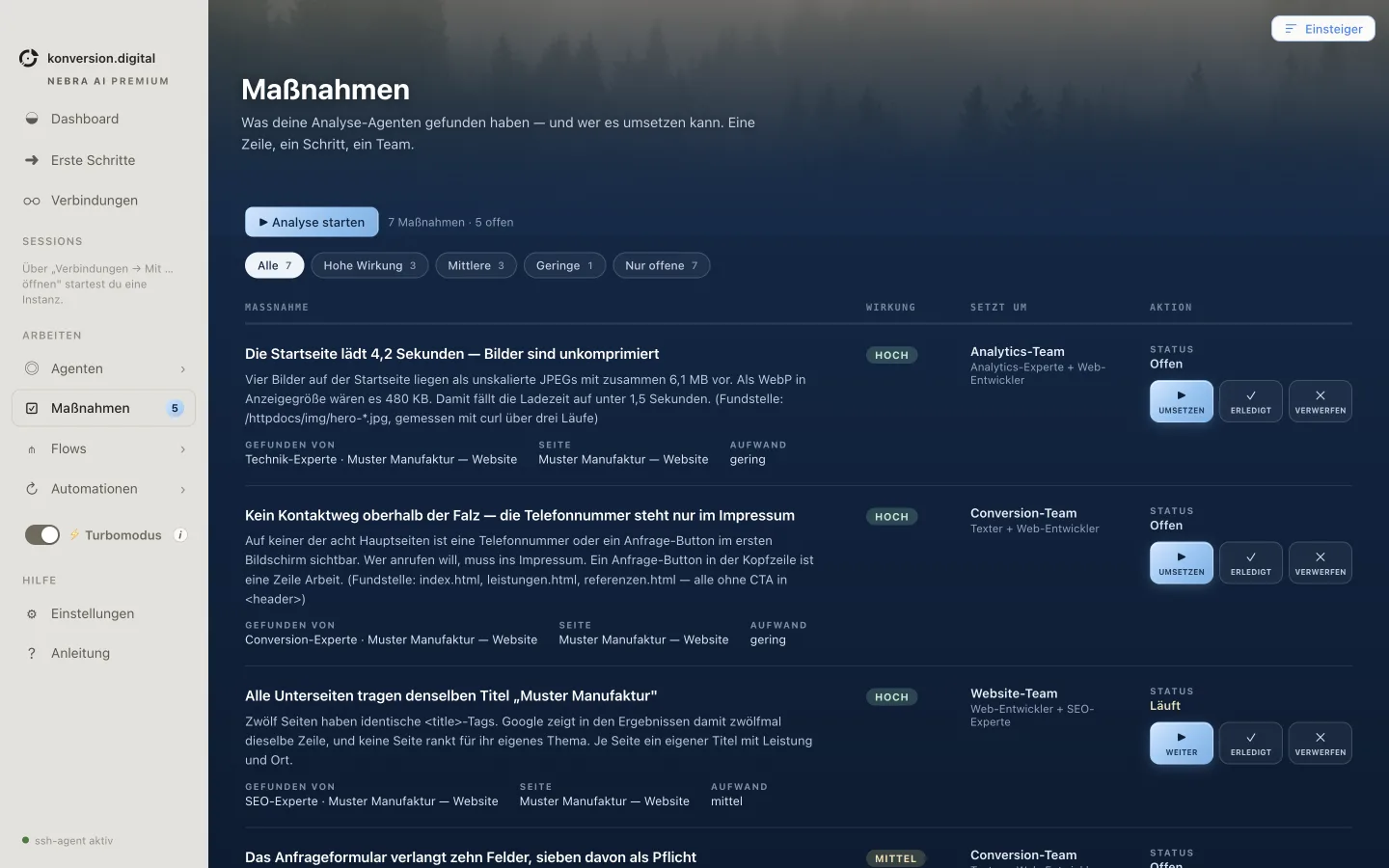
Every action item it finds, with what it brings, who carries it out and how much effort is involved. You approve, the agents do the work.
The homepage takes 4.2 seconds to load, images are uncompressed
Open Running Done
No way to get in touch above the fold, the phone number is only in the legal notice
Open Running Done
Every subpage has the same title, “Sample Workshop”
Open Running Done
Everything is traceable: every step is in the activity log, and only what you approve goes live.
Features
Thirteen features, clearly sorted by step: from the first connection to the finished report, plus the experts who do the work. No tool clutter, everything under one roof.
In five minutes nebra AI knows your website: connected step by step, test included, no IT department needed. It detects existing logins automatically.
While one writes your SEO copy, the next one reviews the landing page, each with a live status. For pros, there is a real terminal underneath.
Don't feel like answering follow-up questions? Turn on turbo mode and nebra AI decides on its own. And you simply dictate tasks, like you would to an assistant in the hallway.
Start a task, walk away. The cards move from “In progress” to “Ready for review”, and all you do is check the result.
Free: one project only
Keyword research first, then copy, then a quality check: several tasks as one sequence. Build it once, use it as often as you like.
The weekly report every Monday at 7 a.m., the SEO check on the first of the month. Set it up once: nebra AI never forgets.
Paste in a client email: nebra AI spots the actual tasks, tells you honestly what is doable and hands them out to its agents.
Turn any result into a polished PDF in your own house style at the push of a button, ready to send to your boss or client as is.
nebra AI publishes finished changes straight to your CRM, CMS or website, no IT ticket needed. For pros: cleanly via Git.
Teach nebra AI your style: add your tone of voice, checklists and company knowledge once, and your agents apply them every time.
SEO, CRO, content and analytics. Each one does one thing, and does it really well. You assign, they deliver.
Free: only the free experts, you can take a look inside the others
Bigger tasks aren't handled by one expert alone: several experts, already assembled as a team, work on one assignment without you having to split it up.
Behind those four is the full library: more experts, flows and ready-made teams you add right in the app.